
Settings
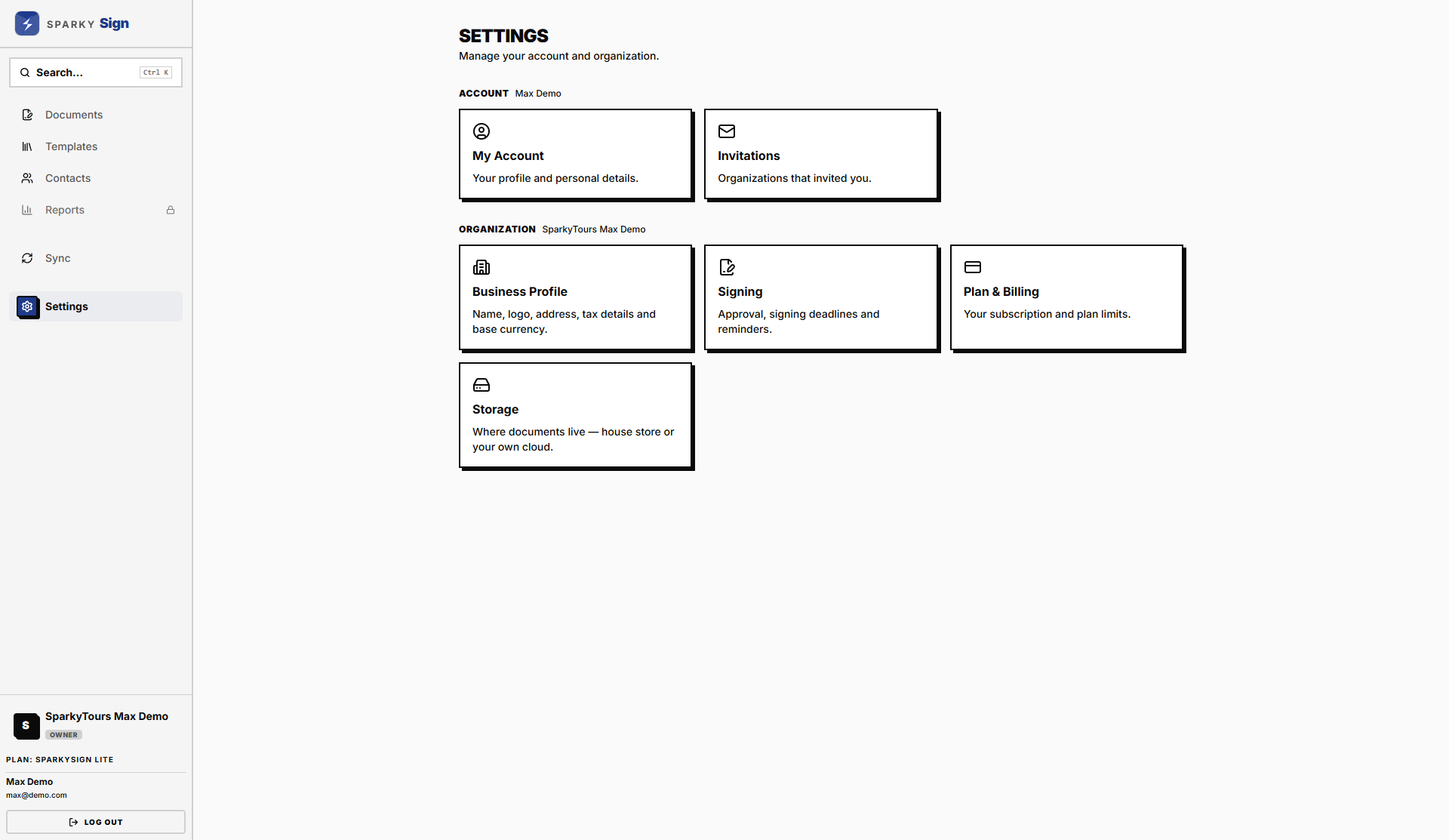
Signing rules for your organization, alongside the usual team, business and billing settings.
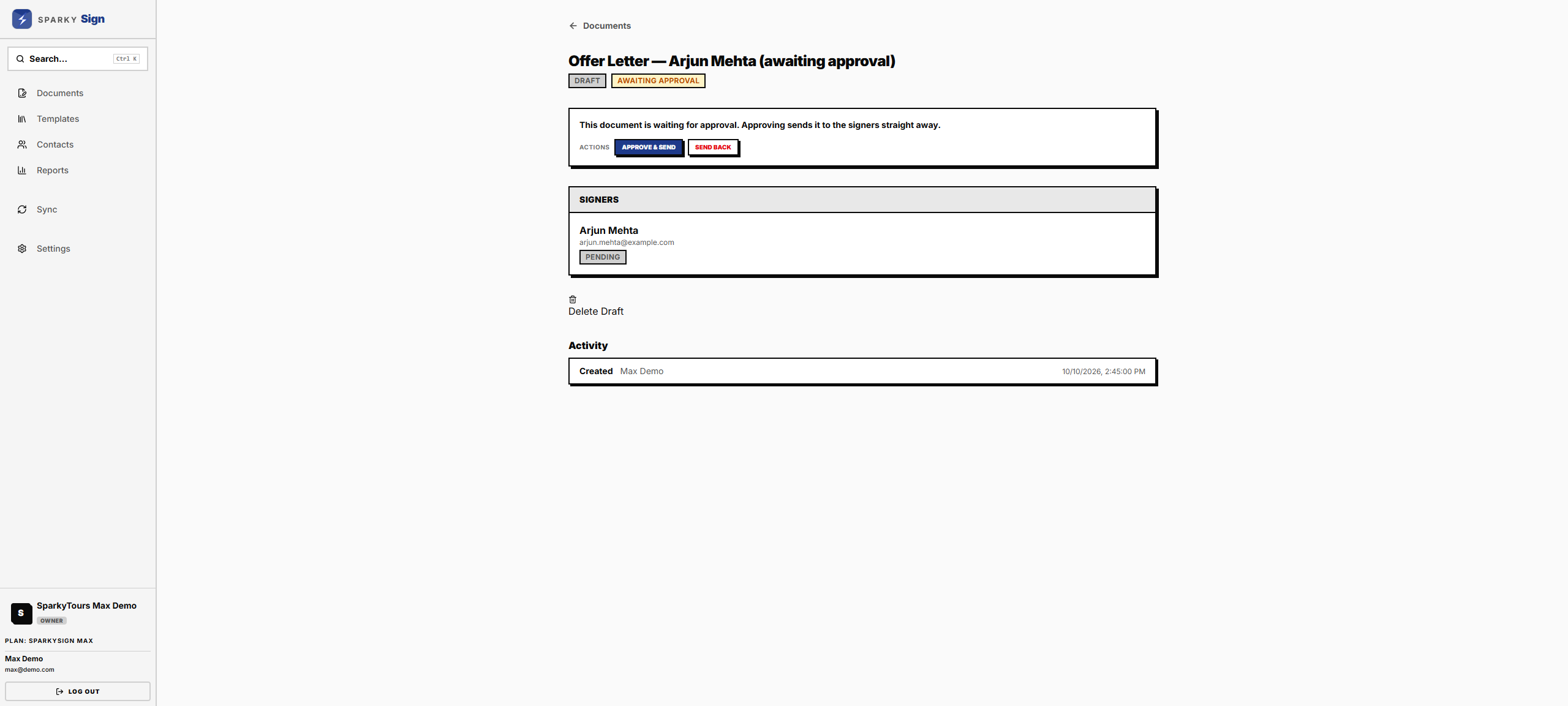
Approval before sending
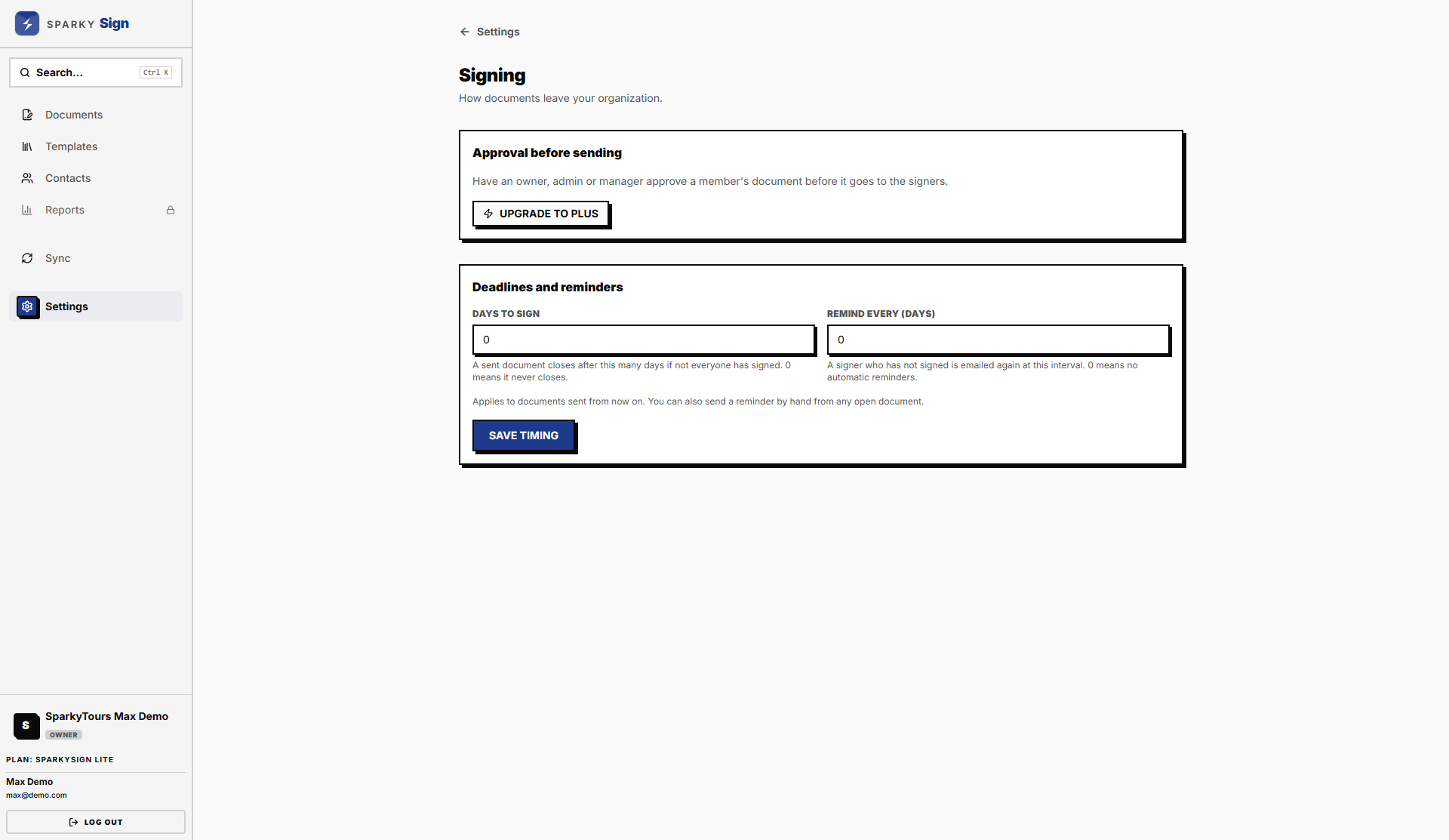
On Plus and Max, an owner or admin can require that a member's document is approved before it goes to signers. With it on, a member chooses Send and the document waits. An owner, admin or manager then chooses Approve & Send, or Send Back so the member can change it.
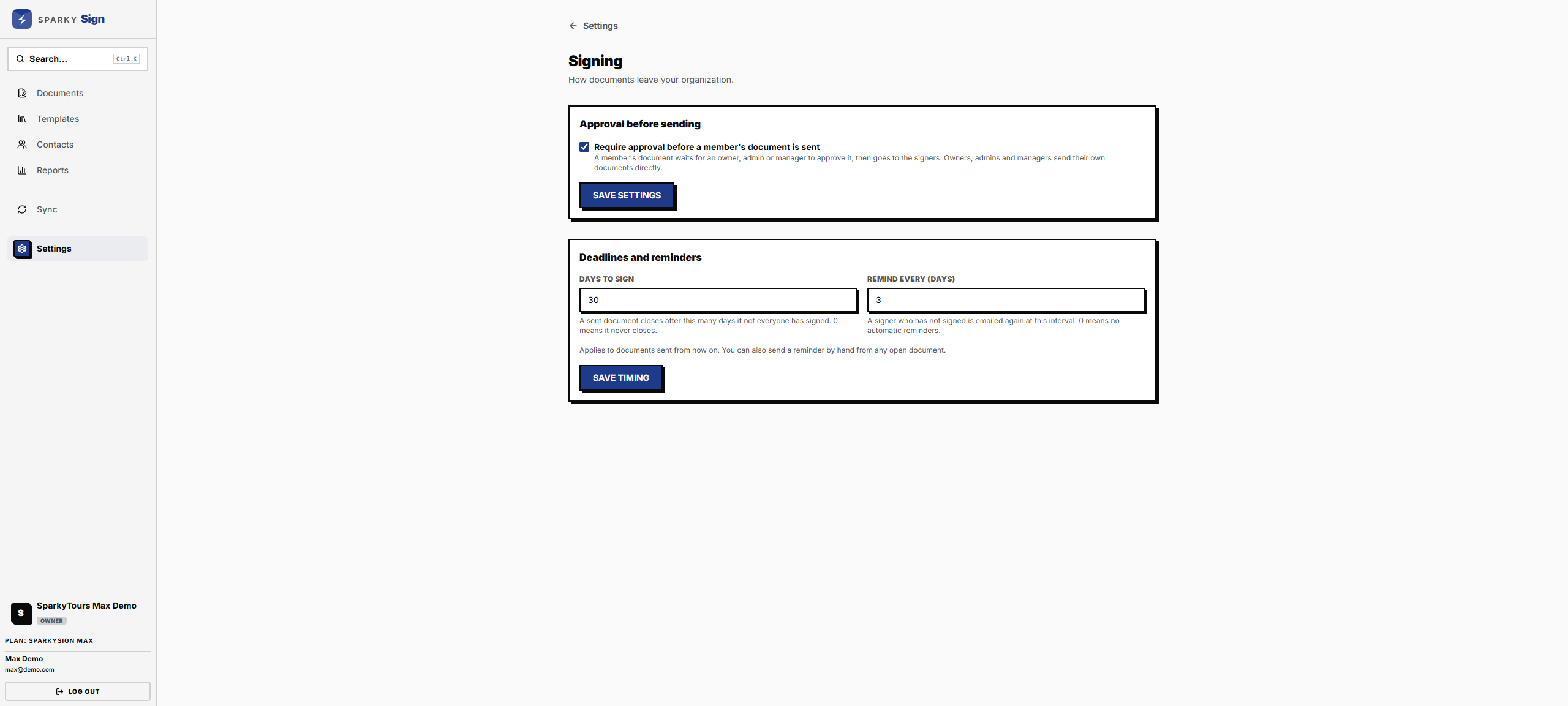
Deadlines and reminders
- Days to sign — how long a sent document stays open. After that it closes and can no longer be signed. Set 0 for no deadline.
- Remind every (days) — signers who have not signed are emailed again at this interval. Set 0 to send no automatic reminders.
Letterhead
On Plus and Max, documents made from your templates carry your organization's name, address and registration number as a line at the top of each page. These come from Settings, Business.
Team
On Plus and Max you can invite others: up to 4 people on Plus and 12 on Max, counting yourself. Owners and admins manage the team; managers see and approve everyone's documents; members work on their own. Max adds a read-only reviewer role.