
Templates
Reusable documents: write the wording once, then make as many documents from it as you need.
My Templates and the Sparky Library
Templates has two tabs.
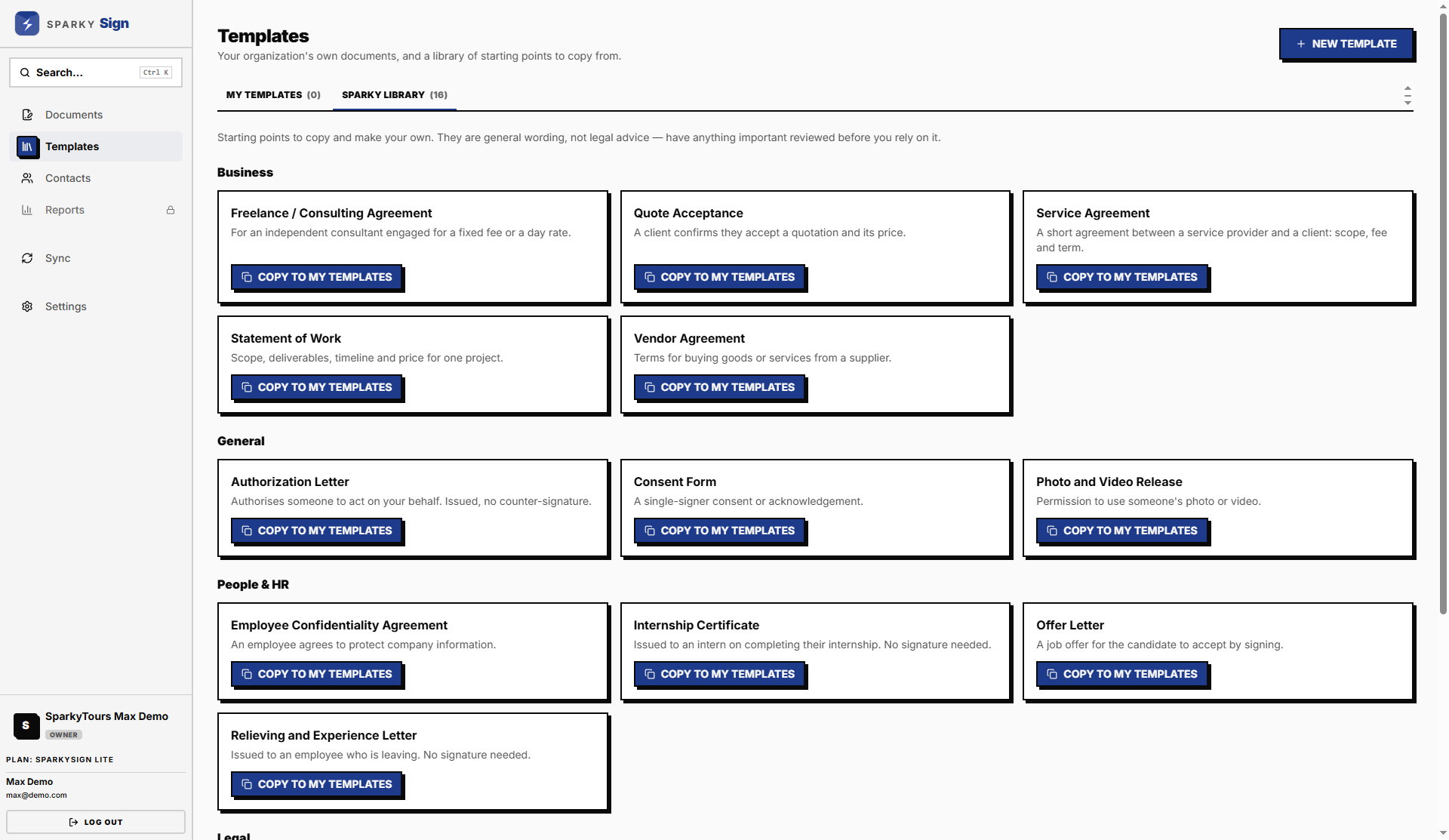
- Sparky Library is our set of ready-made agreements, letters and forms, grouped as Legal, Business, HR, Travel and General. You can read any of them but not change them.
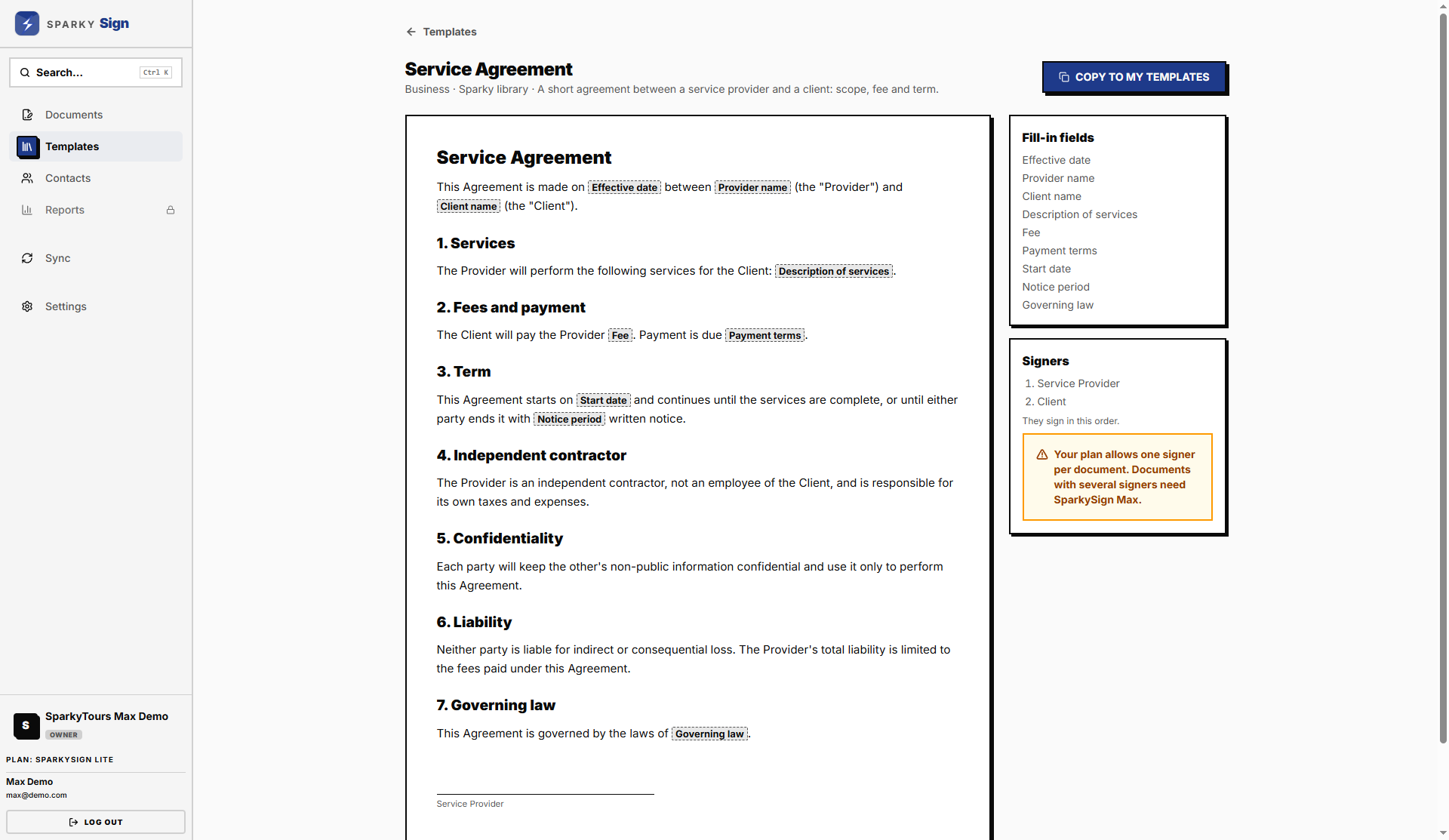
- My Templates holds your organization's own. Changes here affect only your organization.
Every plan includes templates.
How to use a library template
Open it and choose Copy to My Templates. The copy is yours to reword. Library wording is a starting point, not legal advice; have it checked for your own situation.
How to write or edit a template
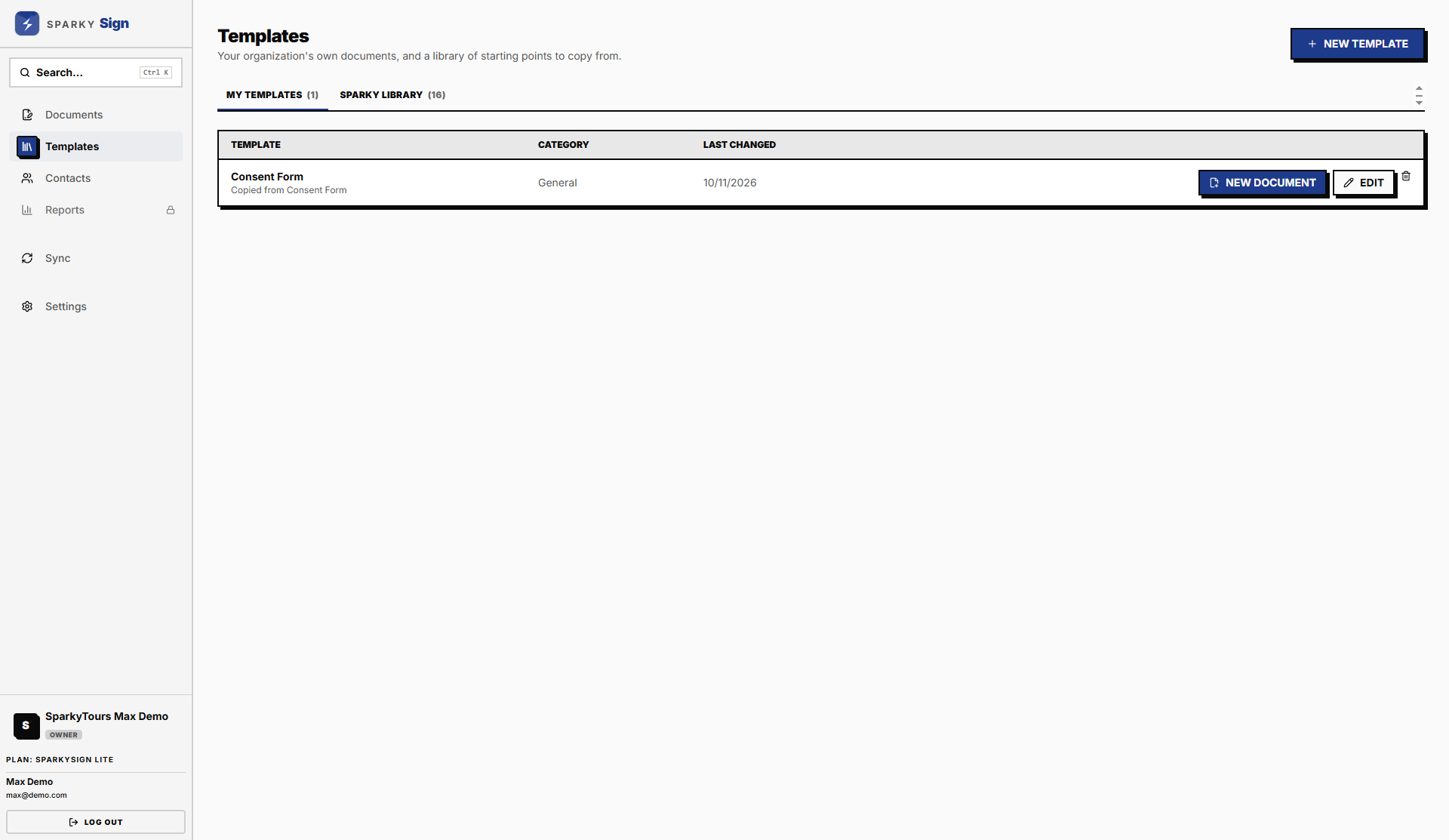
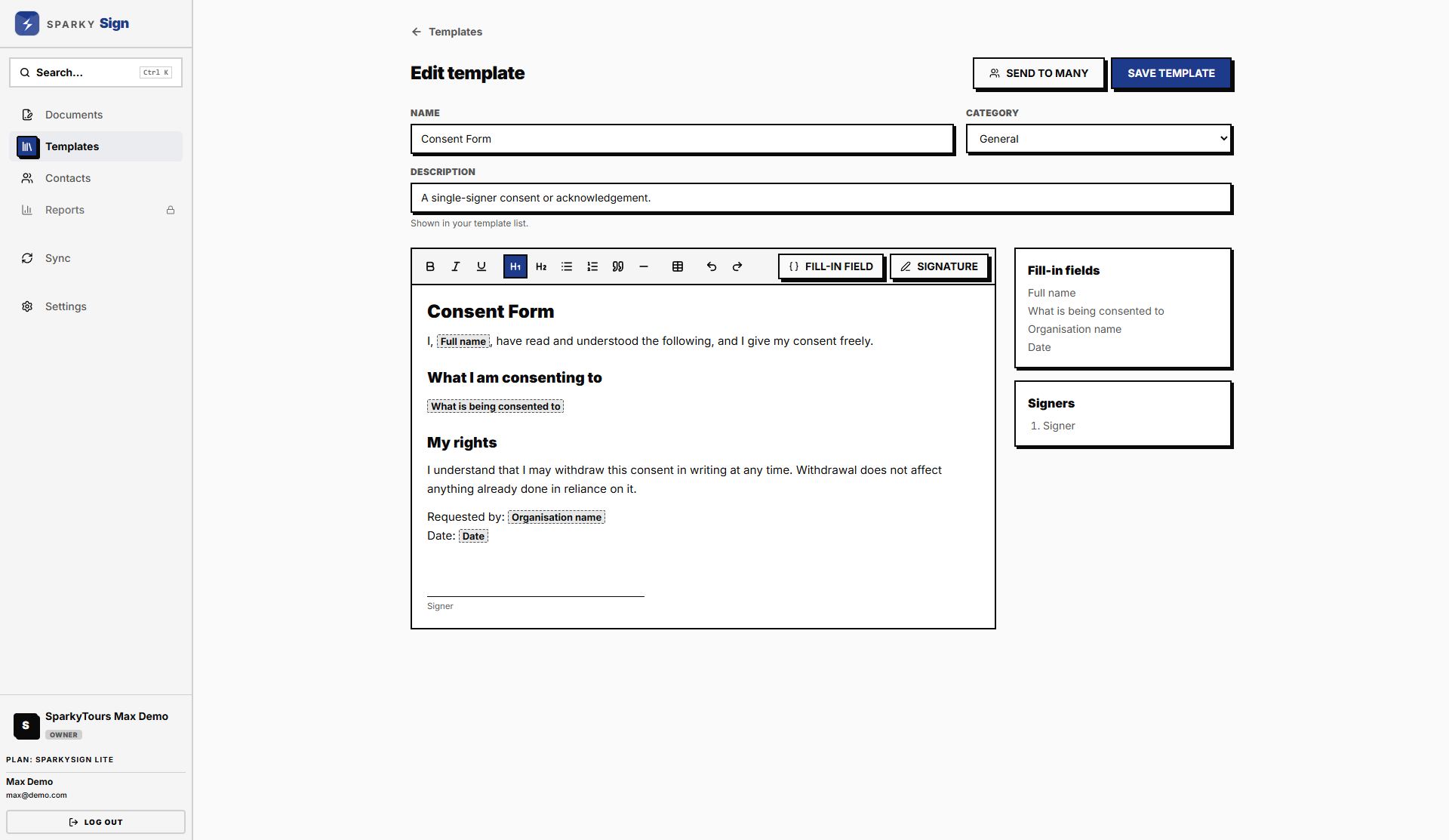
Open one of your templates, or choose New Template. The editor works like a word processor: headings, bold, lists, tables and quotes.
Two things make a template reusable:
- Fill-in fields. Use Fill-in Field for anything that changes each time, such as "Client name" or "Start date". Each field becomes a box on the form when you make a document.
- Signature blocks. Use Signature wherever someone signs, and label it with who that is, such as "Client". Each block becomes one signer.
A template with no signature block is for documents you issue rather than send for signature, such as a certificate or a letter.
Choose Save. Documents already made from the template keep the wording they had.
How to make a document from a template
Open the template and choose New Document. You land on the new document, ready to fill in.
How to send one template to many people
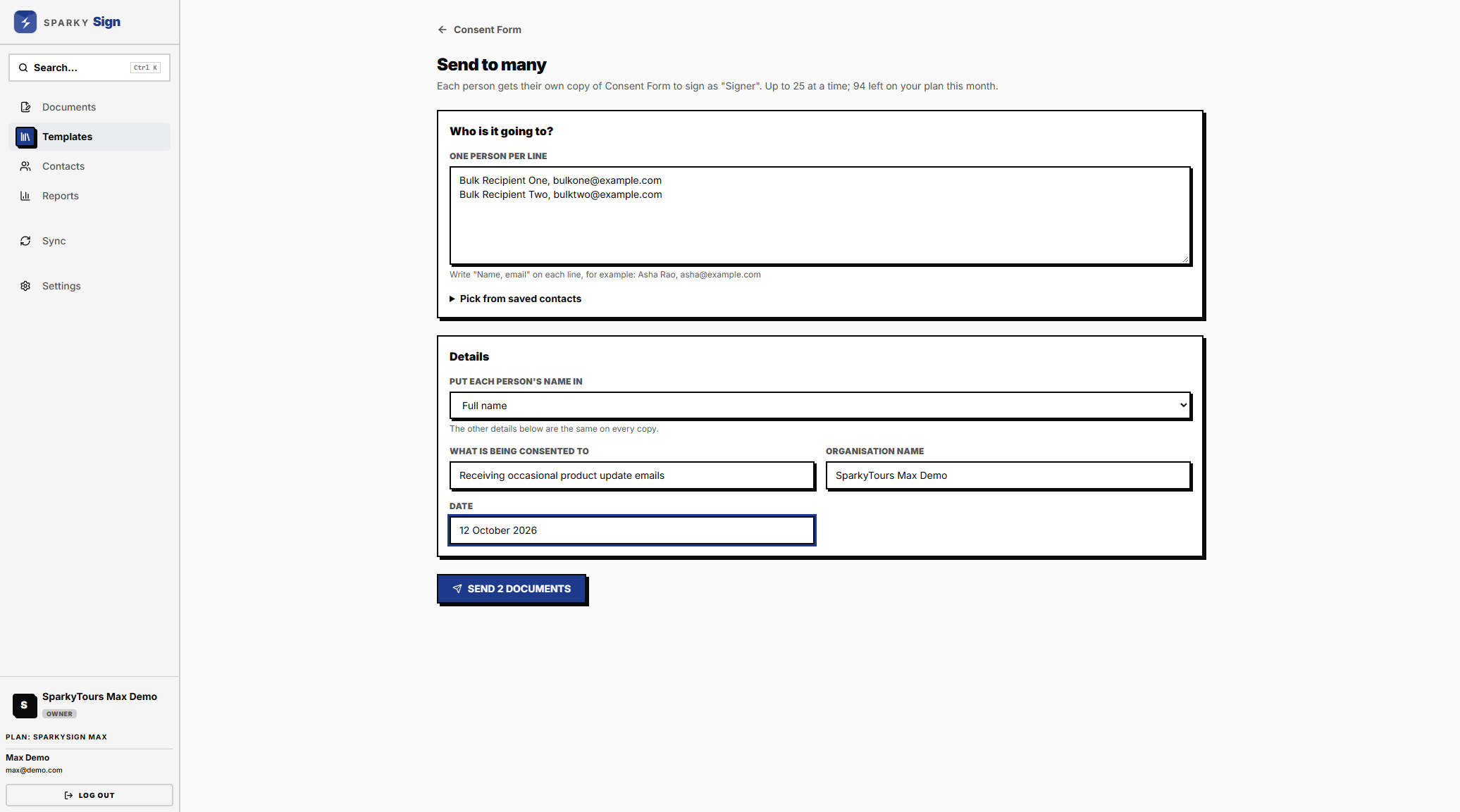
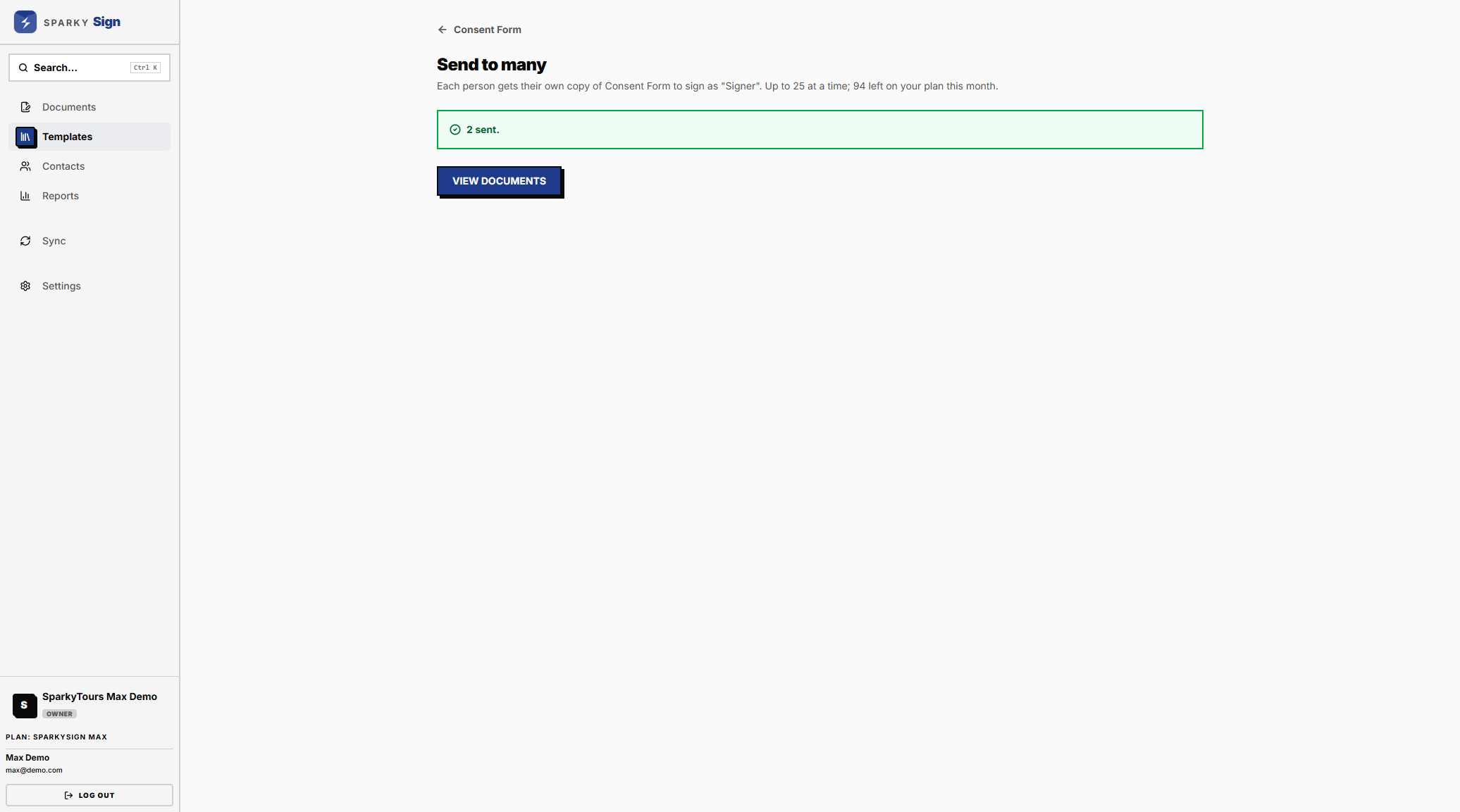
On Plus and Max, open a template that has exactly one signature block and choose Send to Many. List the people, one per line as name and email, or tick them from your contacts. Choose which field takes each person's name, fill in the details that are the same for everyone, and send. Each person gets their own document to sign. You can send to up to 25 people at a time, and each one counts towards your monthly limit.
How to delete a template
Use the delete button on one of your own templates. Documents already made from it are not affected.